Submitting on Zealous
Articles
Submitting on Zealous
Contacting the host of an opportunity
There are multiple ways you can contact the host of an opportunity directly.
These will all open an email directly addressed to the organisation hosting the opportunity you are interested in.
On the opportunity page
- Go to the page of the opportunity (includes /opportunity/ in it’s URL)
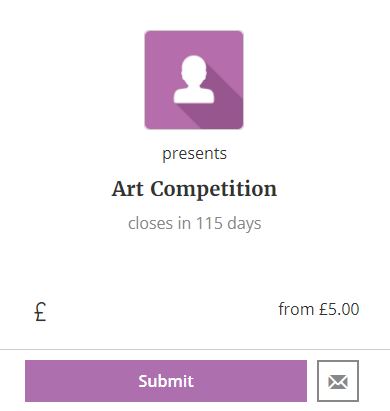
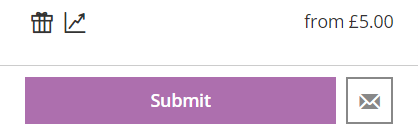
- On the right hand side, click on the envelope icon (this element snap to the top of your screen as you scroll).

- You can also use the ‘Contact’ button at the bottom of the opportunity page
- This opens an email addressed to the organisation running the call

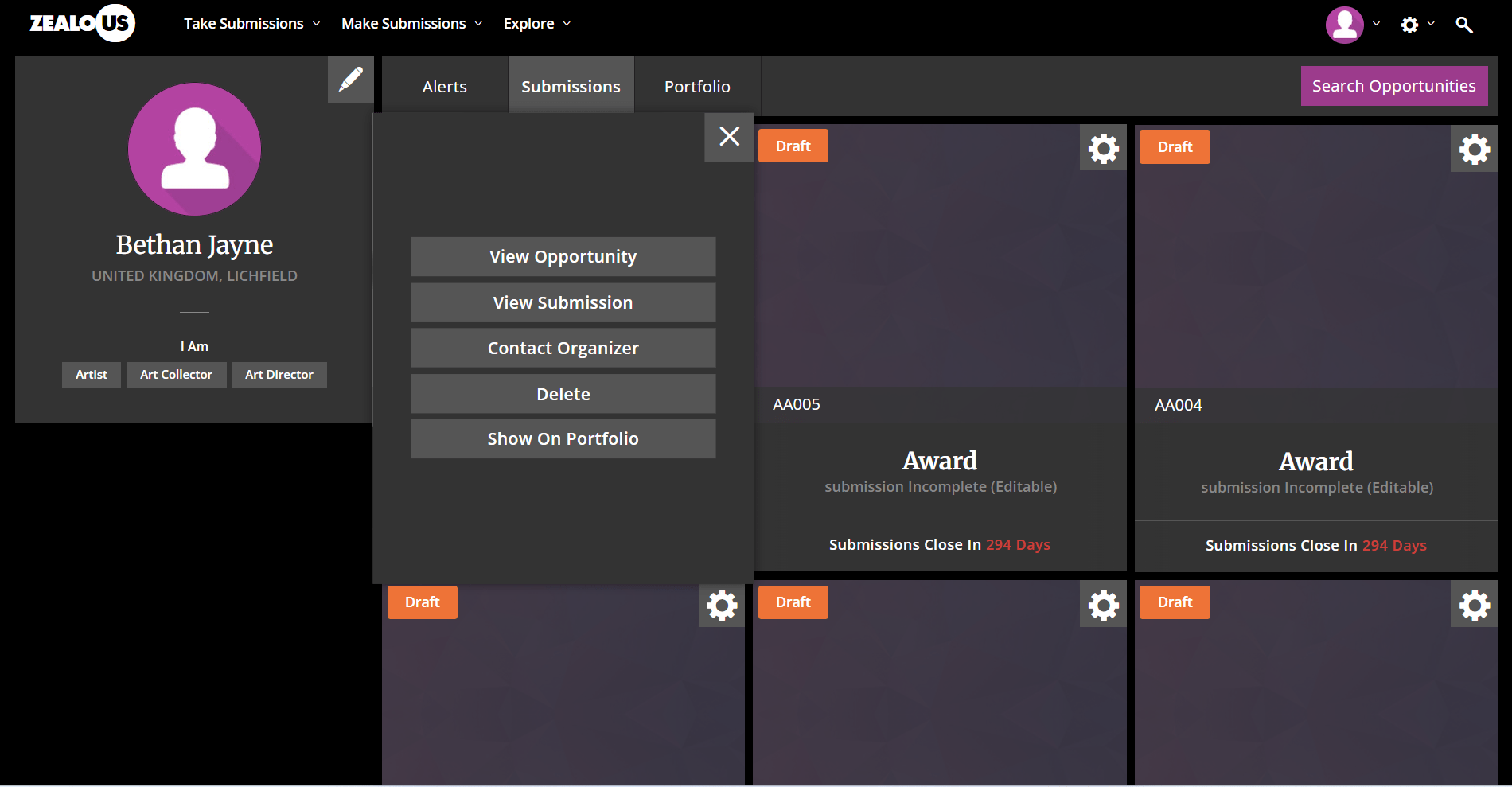
On the my submissions page
- Log in to your account
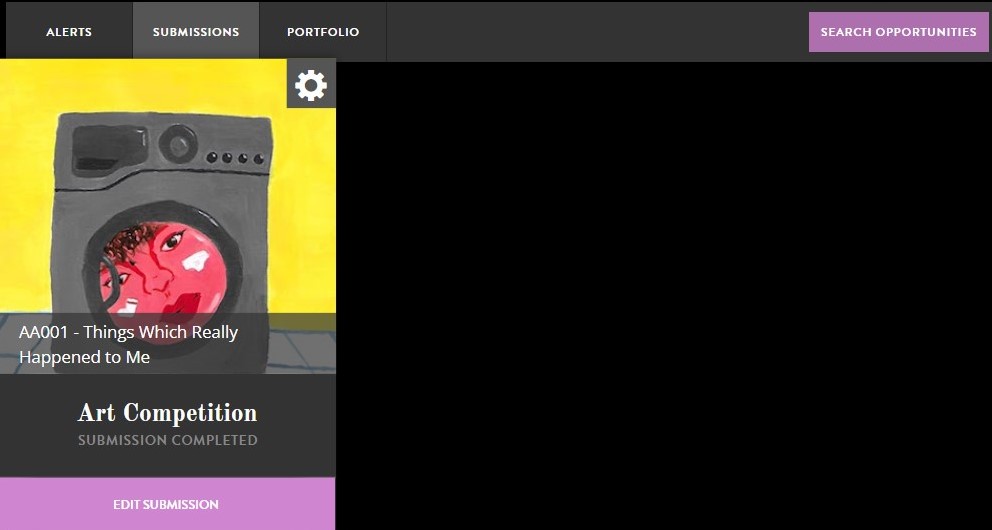
- Go to your submission page
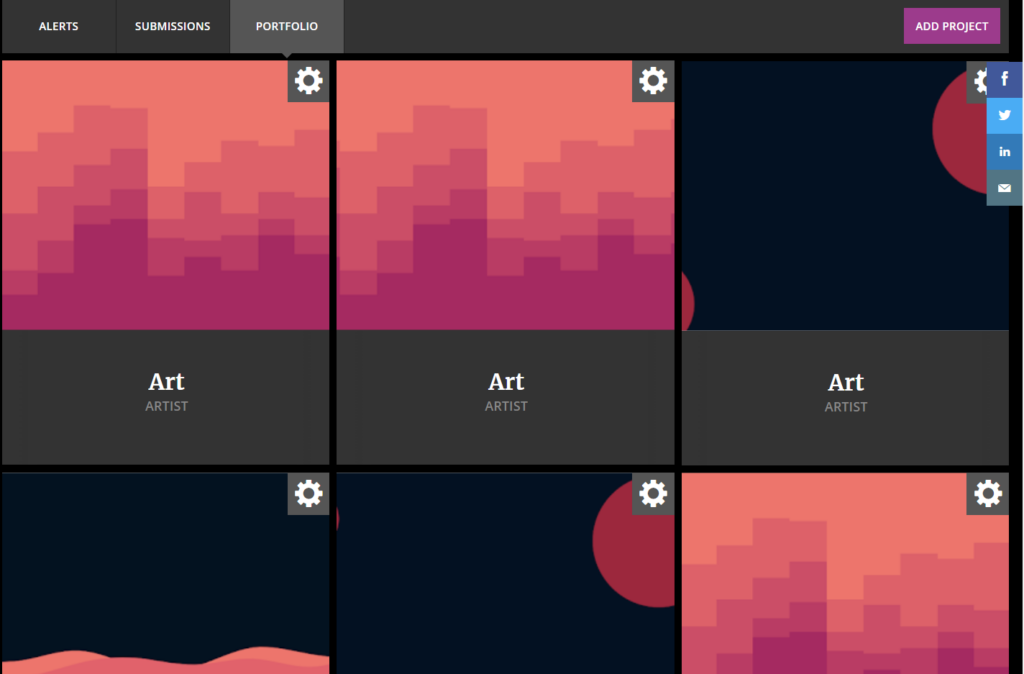
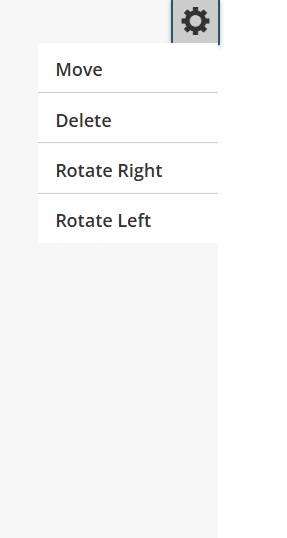
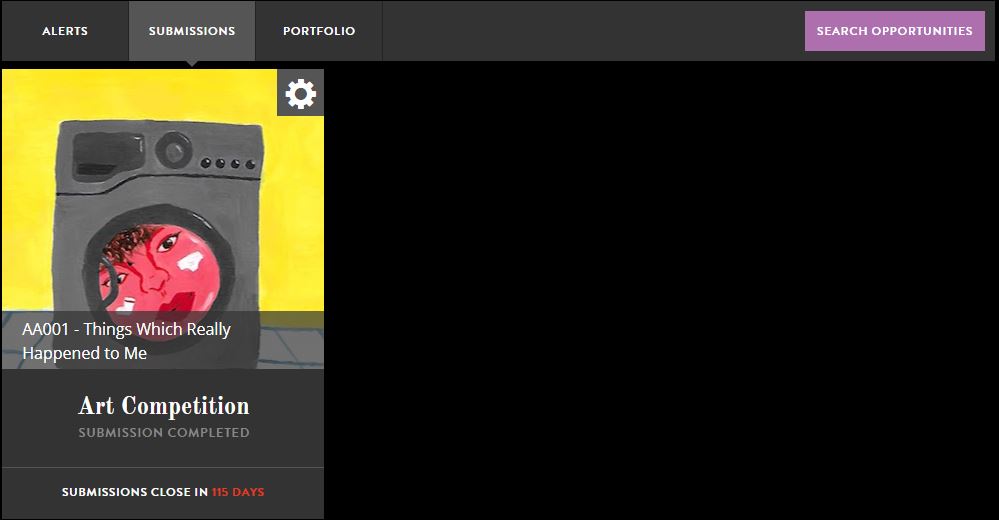
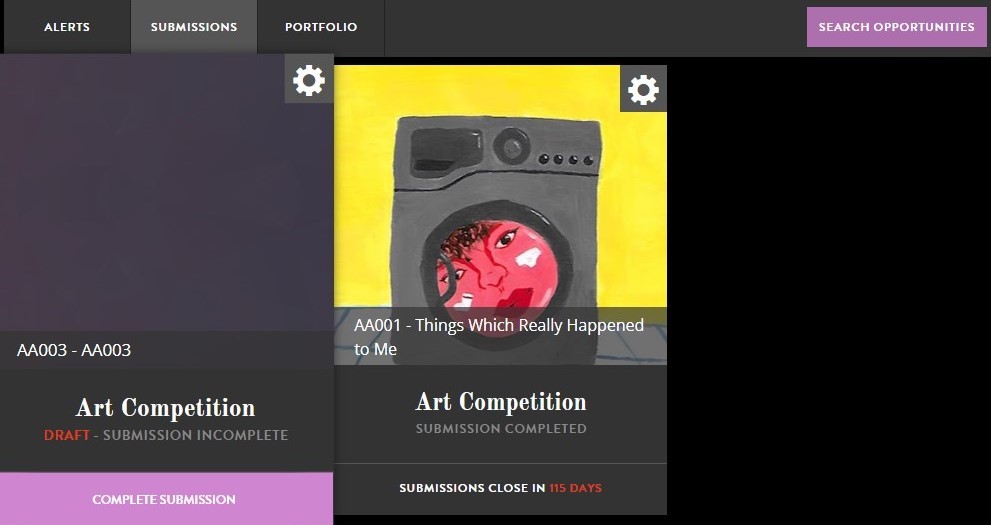
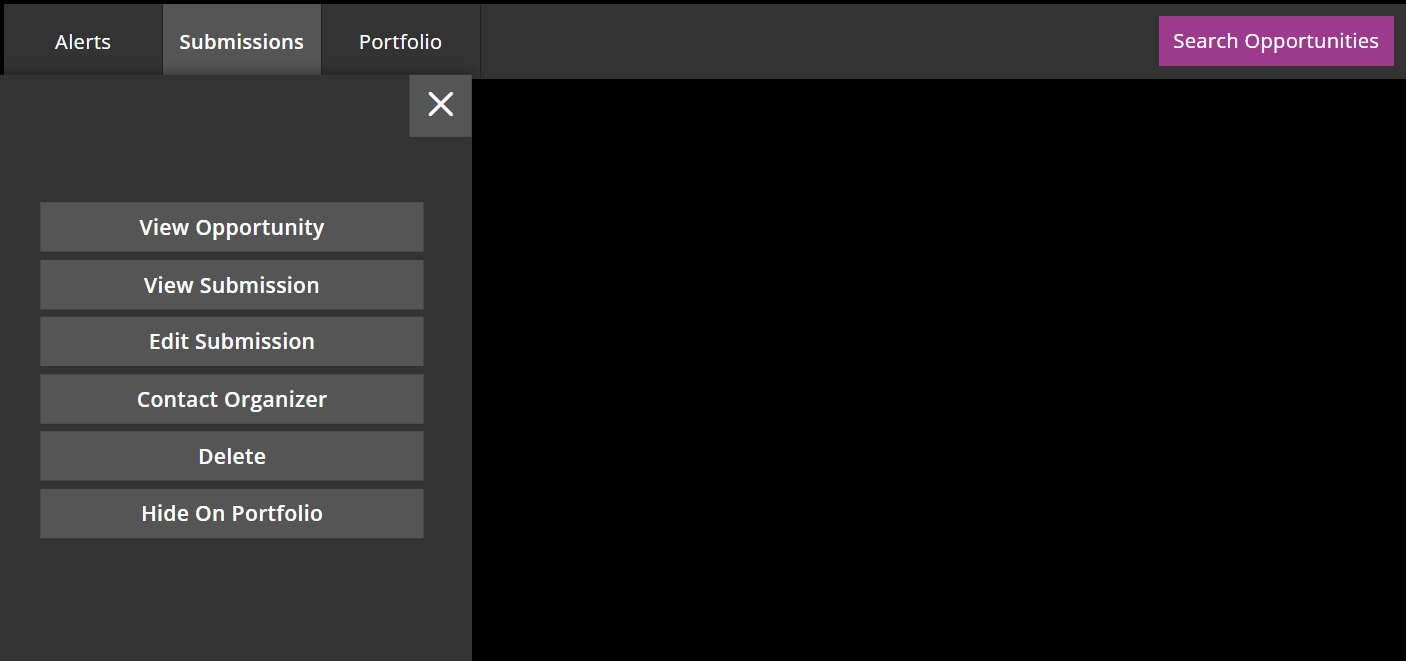
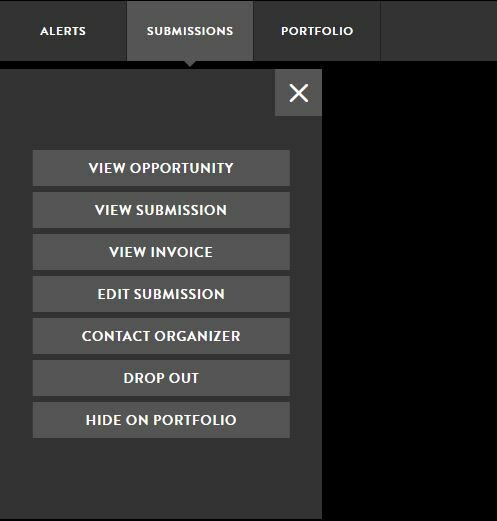
- Find the submission for the opportunity you want to contact and press the cog icon at the top right corner
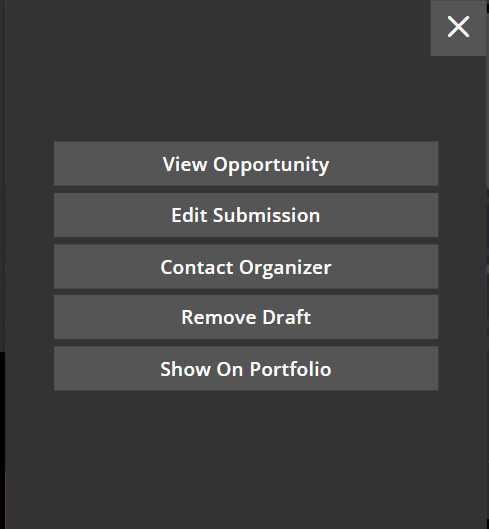
- Press ‘Contact Organiser’ and an email addressed to the organisation will open.
Respond directly to an automated email
- Check your email for any emails sent to you by the organisation.
- This will automatically open an email addressed to the host of this opportunity
Zealous key words
We often get questions about different key words we use on the site, so we have put together a list of some of them.
- Opportunity – An opportunity is what an organization sets up for creatives to apply for. This could include an open call, a residency, or an award.
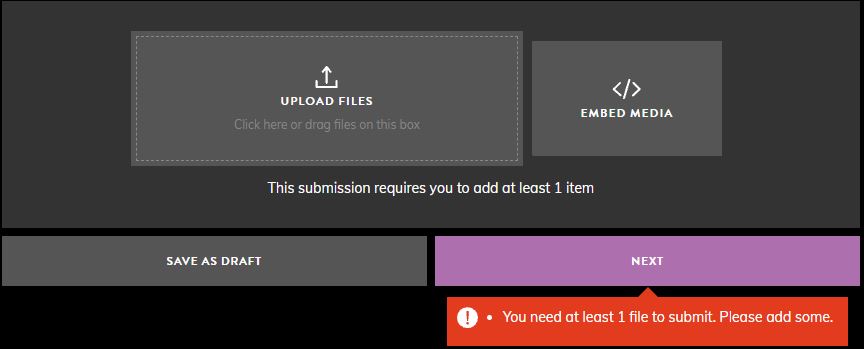
- Submission – What is used to apply to for an opportunity. It also applies to the step when you upload the main items for the judges to see.
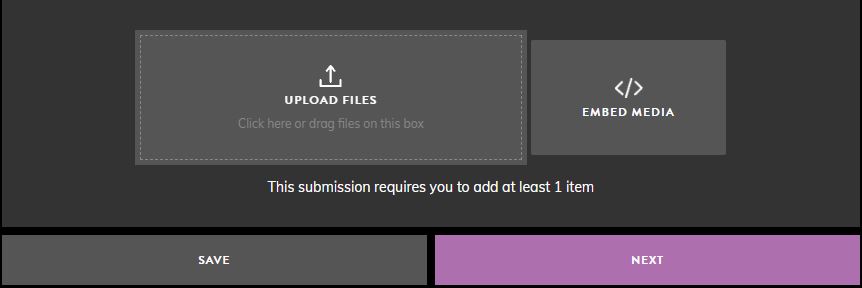
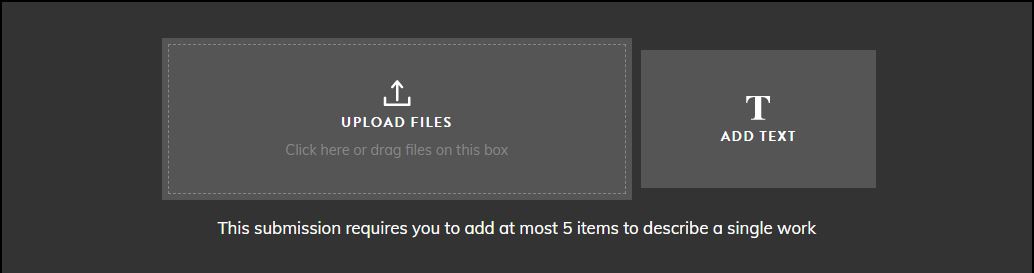
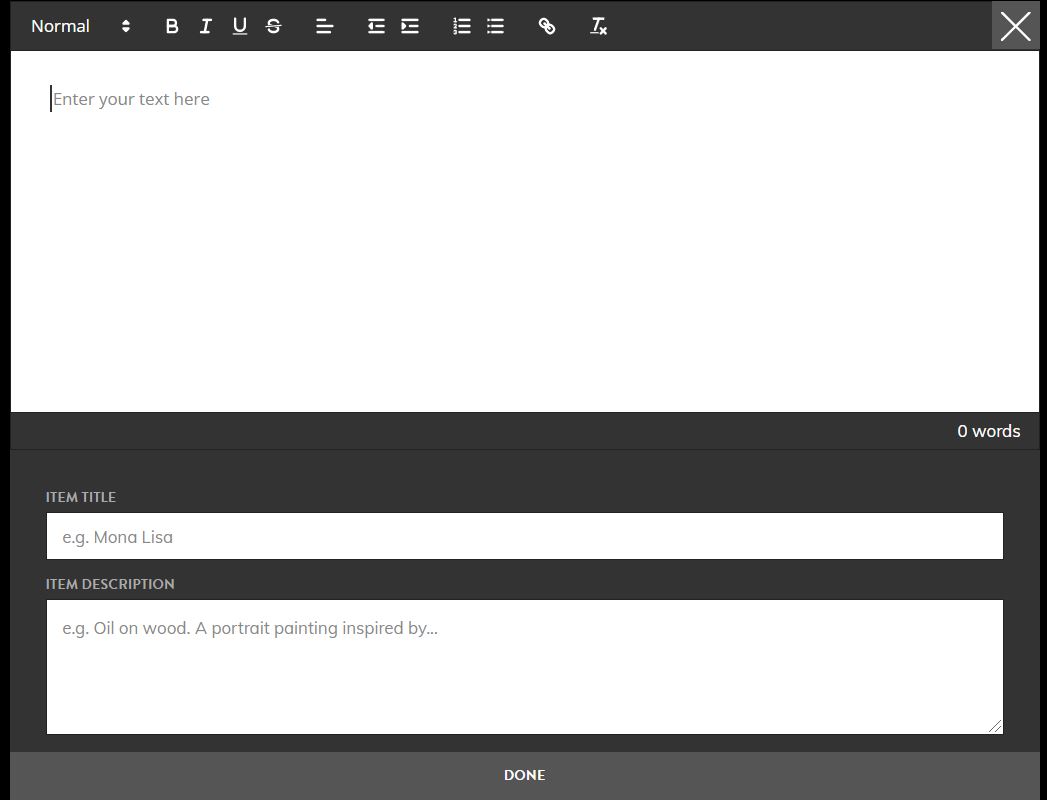
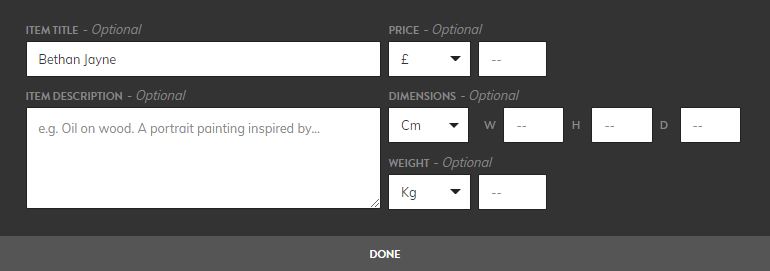
- Item – What is uploaded or added to a submission. This could be a file, embedded video link, or a piece of text.
- Round – Rounds are used to split up judging. For example, it could be used to have a longlist, a shortlist, and finalists.
- Anonymous Judging – When judging, the judges will not be able to see the information of the applicants. Hence, they will be anonymous.
Submitting on Zealous v2
Zealous was built to simplify the process of managing submissions for candidates, judges and the organisations hosting the opportunity.
Each opportunity listed on our site is customised by it’s host. The questions you are asked, how and when you receive your results and what you need to submit will vary from opportunity to opportunity.
Some opportunities may need you to upload a specific work, others may ask for a project proposal.
When submitting you will be taken through a series of steps. Your work will be saved after each step, allowing you to come back to it and complete it later.
You need to complete the following step for your submission to be made successfully
- Review the guidelines
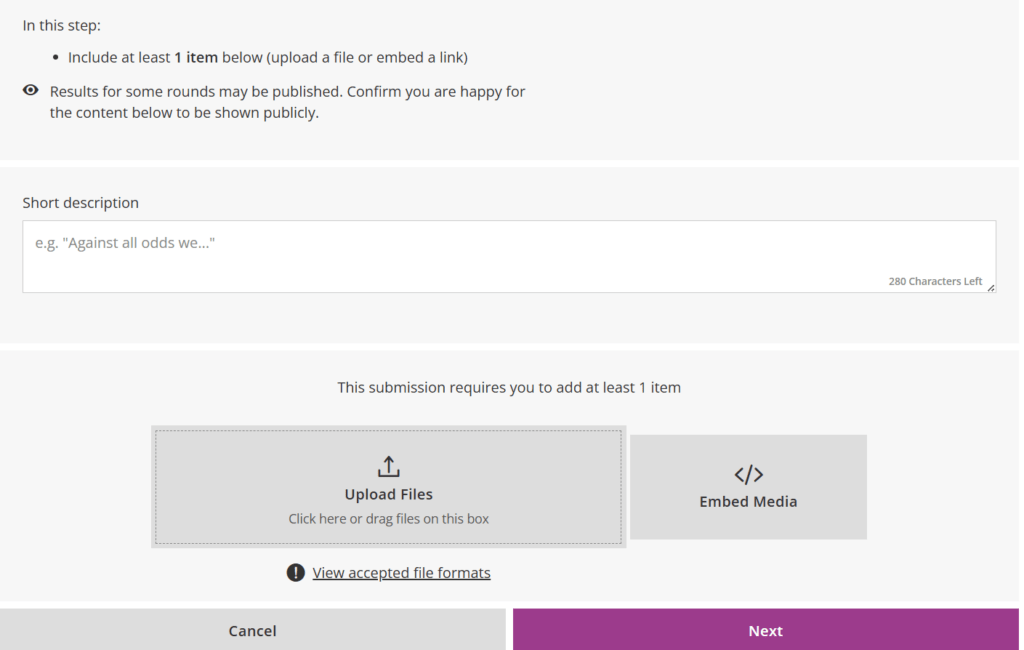
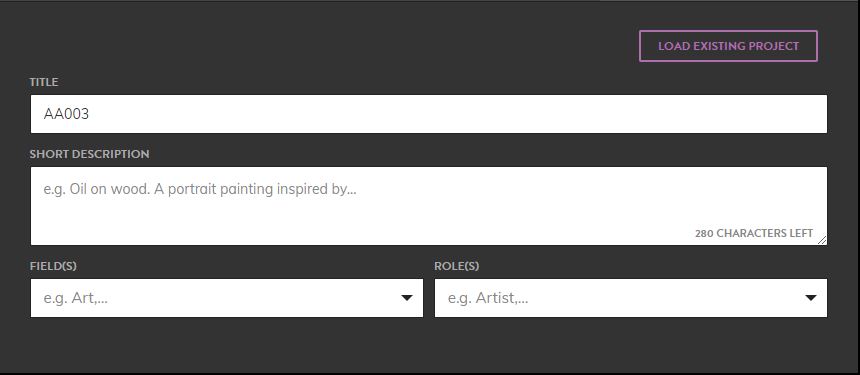
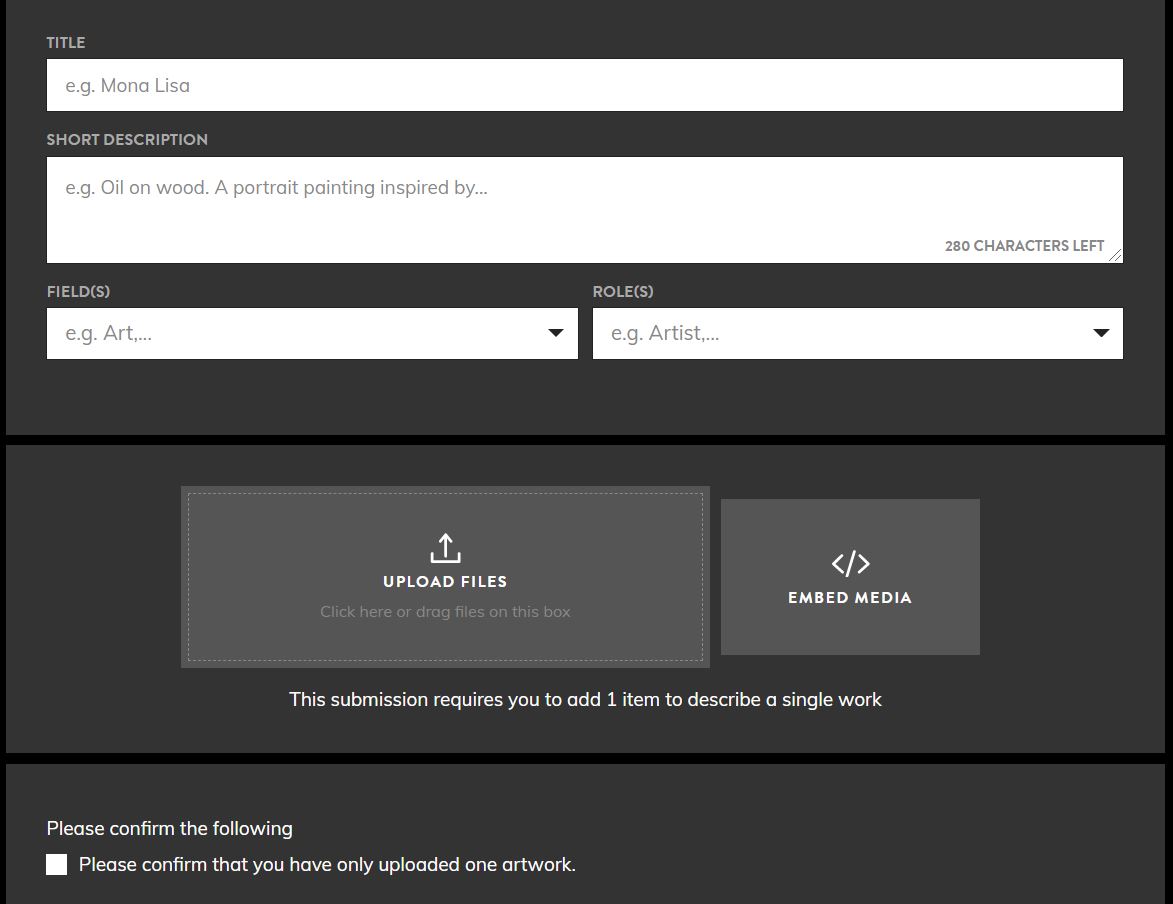
- Add the work you are submitting
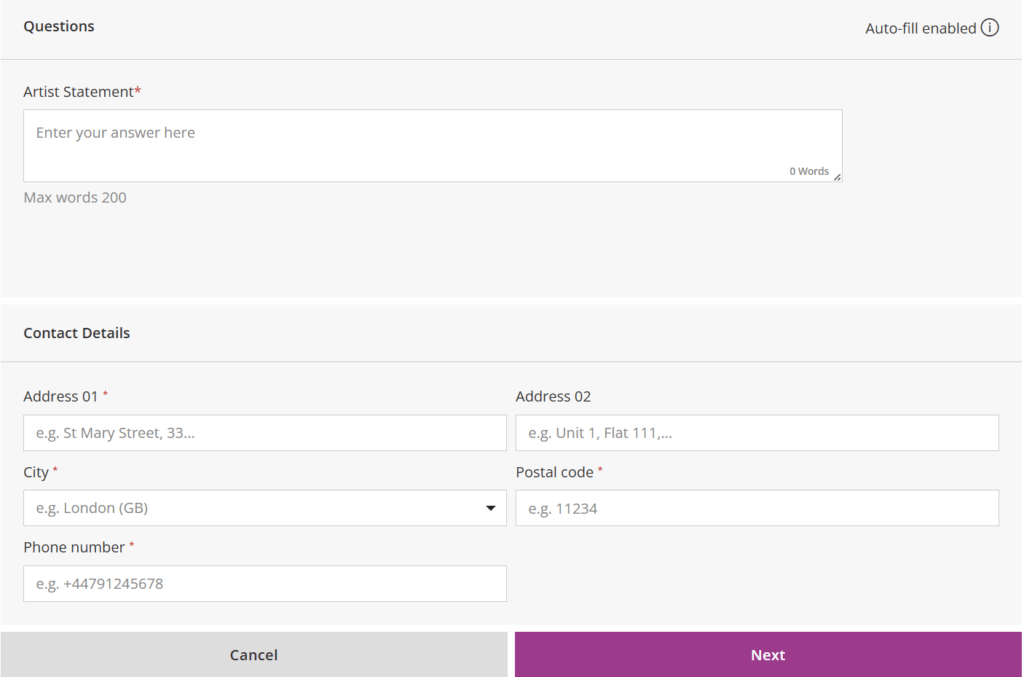
- Fill out the application form
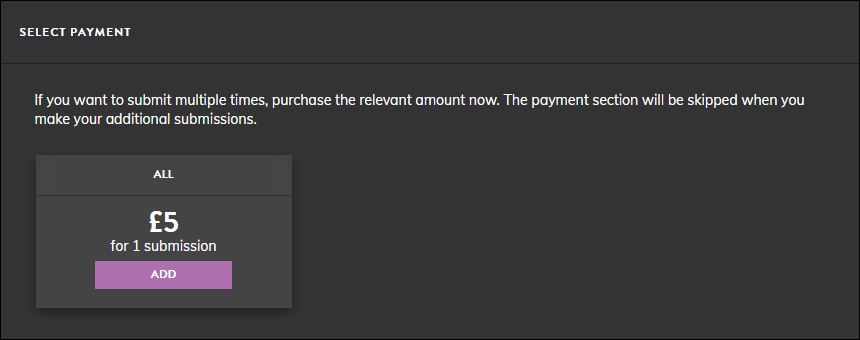
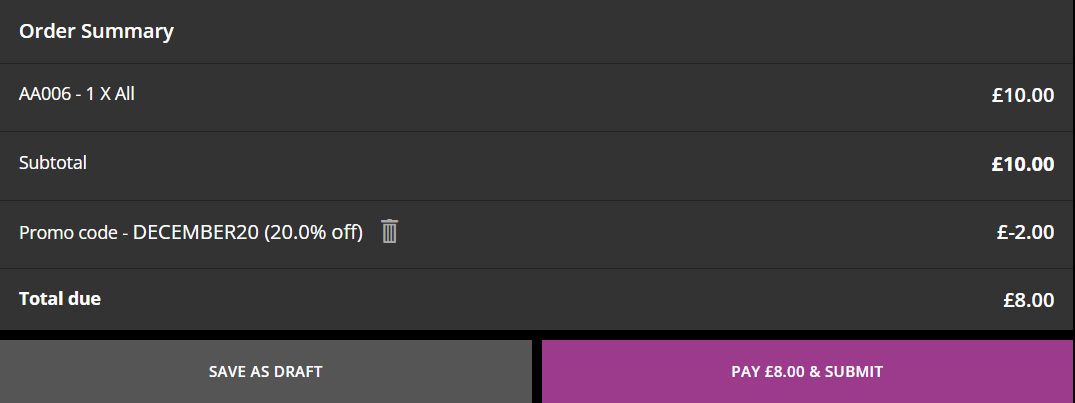
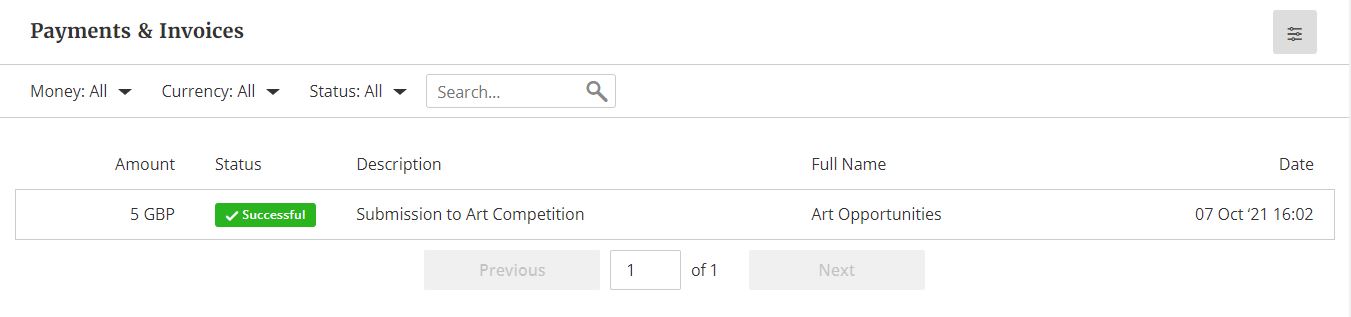
- Make the payment (optional)
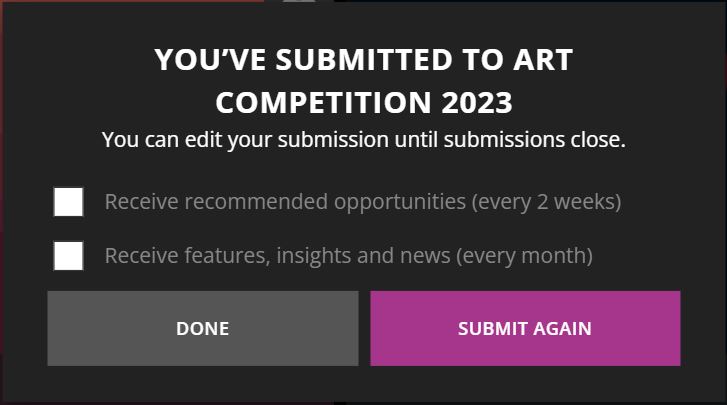
- Confirmation
Your submission won’t be made until all the steps above have been completed. You will receive a confirmation email as soon as your application has been made.