


Deleting a submission
How you delete a submission depends on whether your submission is completed or in draft.
If your submission is completed, you can delete your submission at any time by following the steps below:
- Log in to your account
- Visit your submissions page
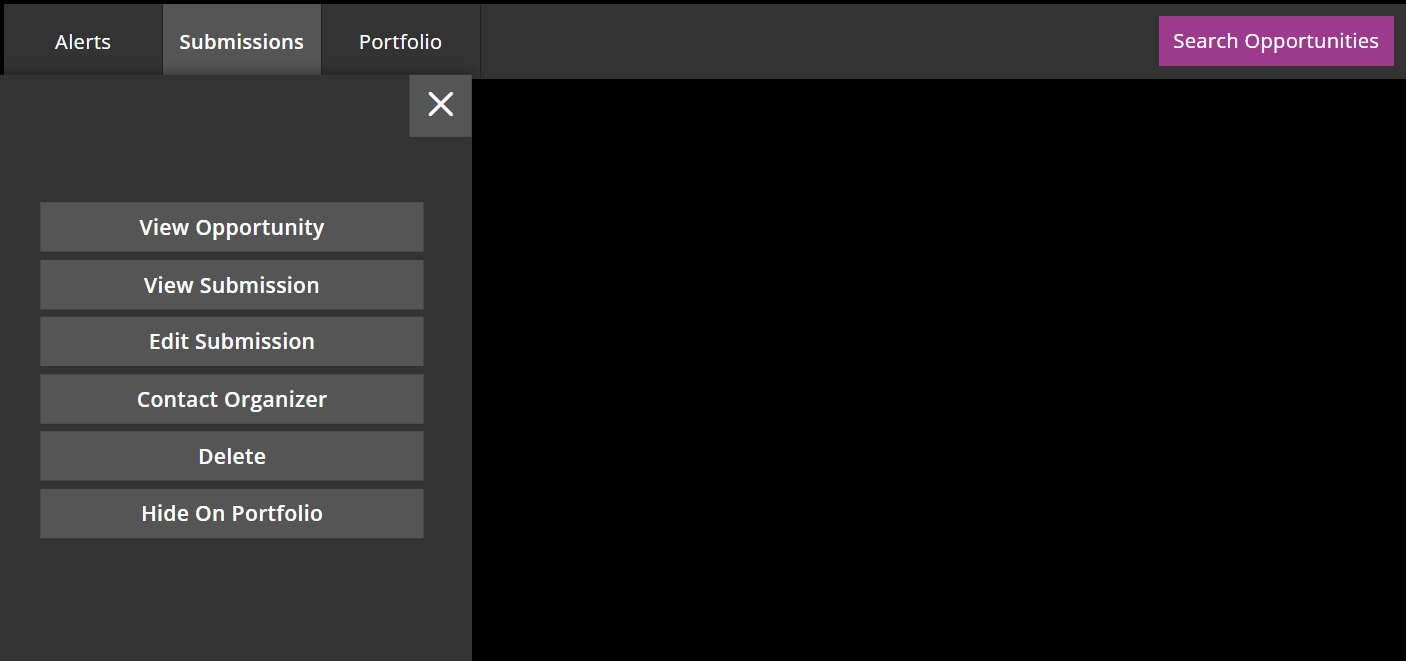
- Find the submission you want to delete and press the cog icon in the top right corner

- Choose the option which reads ‘Delete’
- You will be asked if you are sure that you want to delete your submission – select yes
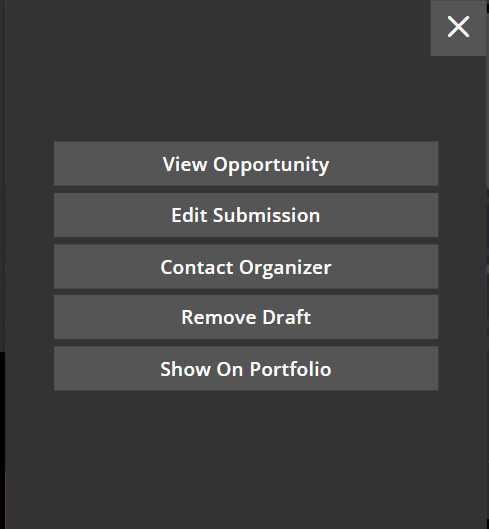
If your submission is in draft, you would do the same but select ‘Remove Draft’
If you have any issues with removing your submission, you can reach us on Live Chat or email us at info@zealous.co